Chrome History Search Not Working? Here’s How to Actually Find Your Pages
If Chrome history search is not working the way you expect, you’re probably not doing anything wrong. You remember a page clearly, you type what you recall into history, and Chrome returns nothing, or the wrong thing. The page is still there. Chrome just isn’t searching what you think it is.
Here’s what’s actually going on, the quick things to check, and how to search your history so it finally finds what you’re looking for.
Why Chrome history search feels broken
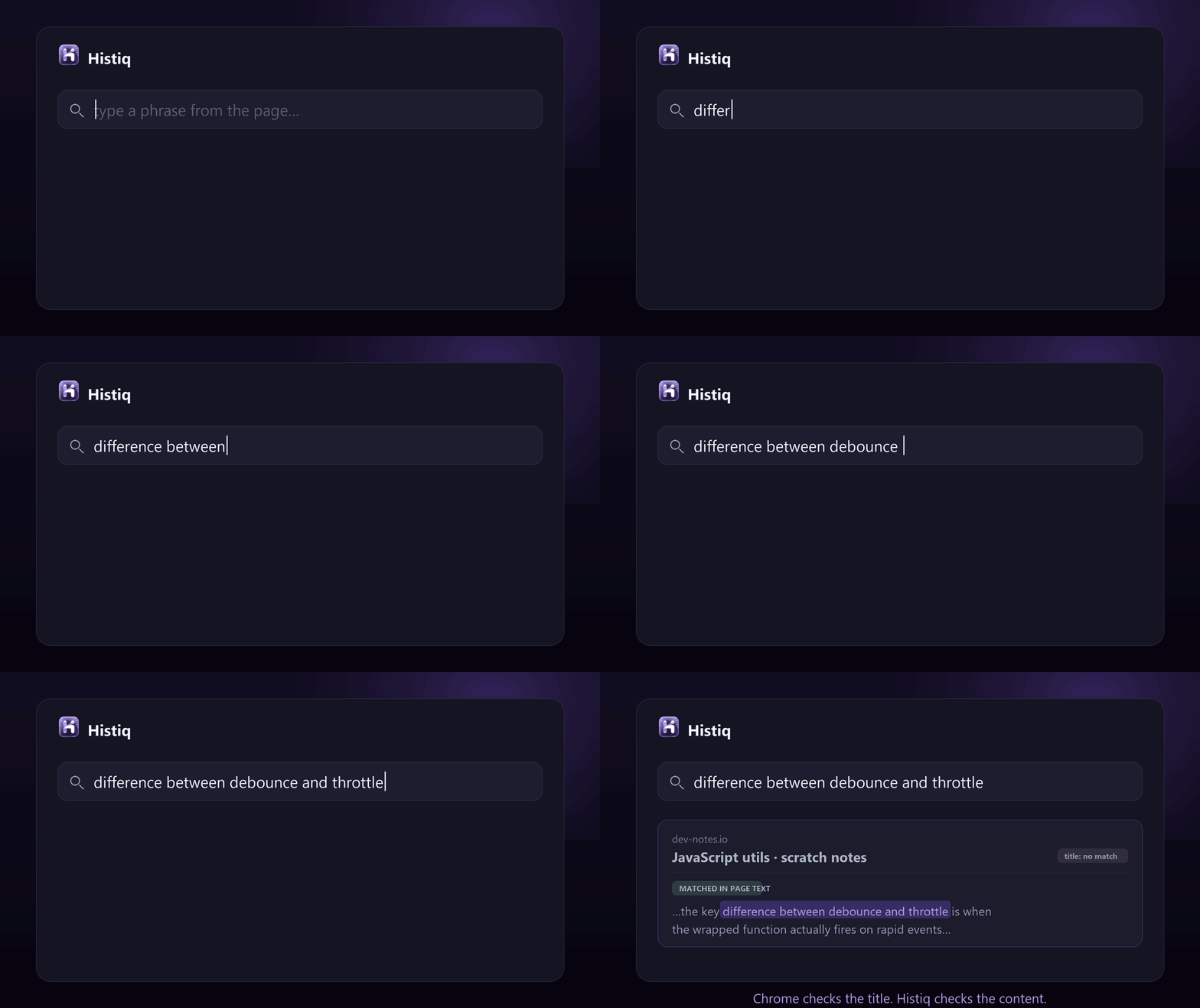
The main reason: Chrome history search only looks at the page title and the URL. It does not search the text that was on the page. So if you remember a sentence, a fact, or an idea from an article, but not its exact title, you get nothing, even though the page is right there in your history.
It’s not a bug you can fix in settings. It’s a design choice: keeping a full-text index of every page you visit would bloat the local history database and slow the browser down. Fast, but useless the moment you remember what a page said instead of what it was called.
Quick things to check first
chrome://history and try a single distinctive word, not a phrase.
If none of that helps, you’ve hit the real wall: you remember the content, and Chrome only searches titles.
The real fix: search your history by content
To actually find a page by what it said, you need something that indexes the full text of the pages you read, not just their titles. That’s exactly what Histiq does.
As you browse, it stores the text of each page (and PDF) locally in your browser. Then you can search by what was on the page. It also runs a small on-device model, so if your exact words don’t match, it falls back to semantic search and finds the page by meaning. Describe what you remember and it surfaces the right page, even if the title had none of those words. (More on that in semantic search vs keyword search.)
And because your history is sensitive, it all stays on your device: no cloud, no account. You can confirm there are no outbound requests in DevTools › Network.
Chrome history search not working: the short version
- Chrome history search only matches titles and URLs, never the text on the page. That’s why it feels broken.
- Check for a cleared history, try rare single words, and look in My Activity.
- To search by what a page actually said, you need a local full-text (and semantic) index of the pages you read.
Tired of history search that can’t find what you read? Start a 14-day free trial of Histiq — search your history by content, 100% on your device, no account.
Install Histiq for Chrome & Edge →